01
Contracts with e-signatures
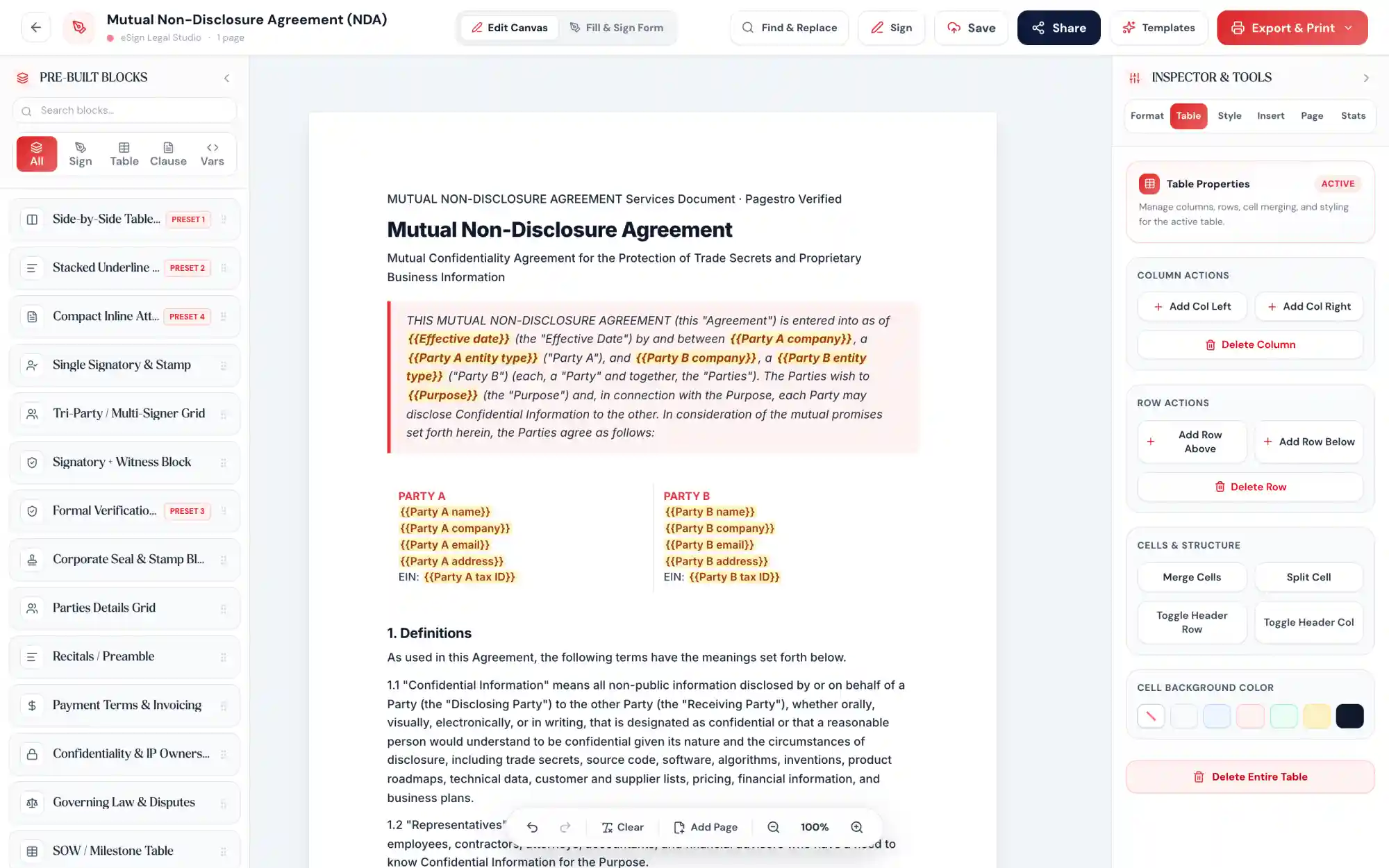
Start from a contract template or upload a PDF, add signer fields and send it. Signers do not need an account. Each signed document ends with a certificate of completion and a hash-chained audit trail.
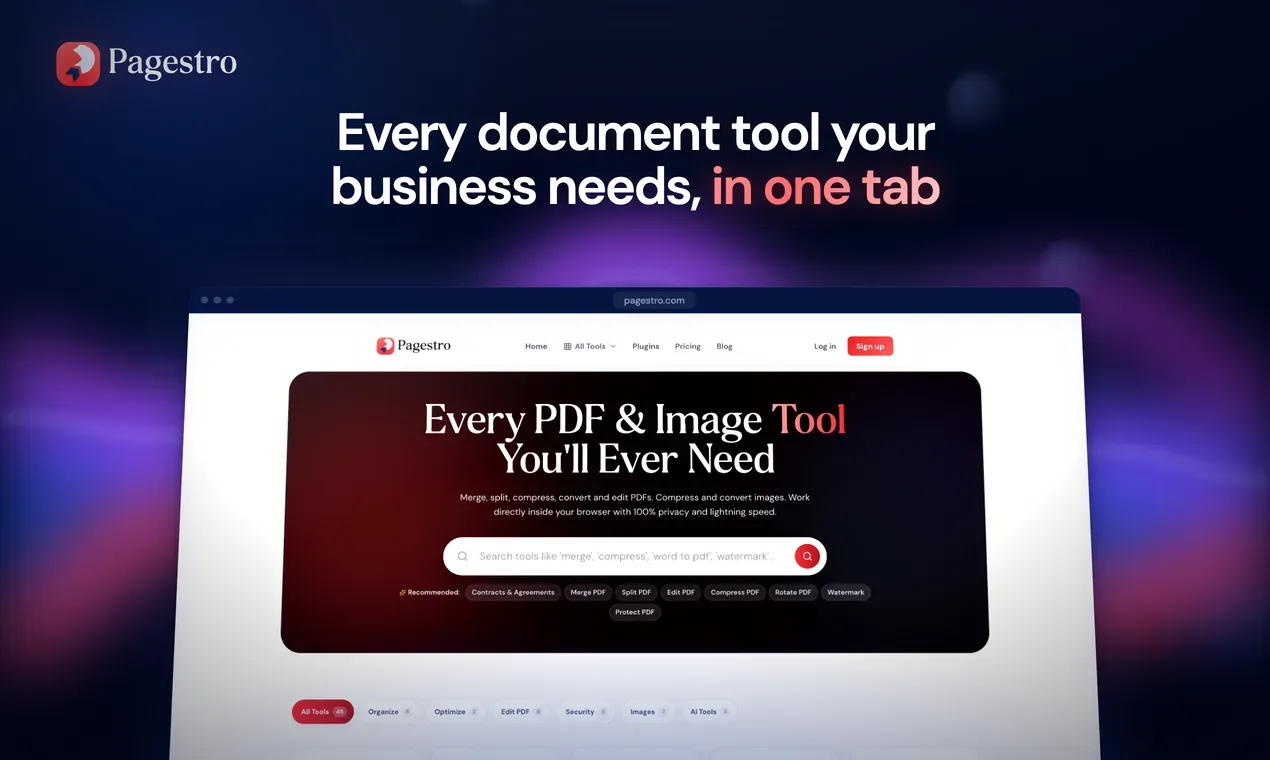
Edit and convert PDFs in your browser, send contracts for e-signature and bill clients, from one workspace.
Start from a contract template or upload a PDF, add signer fields and send it. Signers do not need an account. Each signed document ends with a certificate of completion and a hash-chained audit trail.
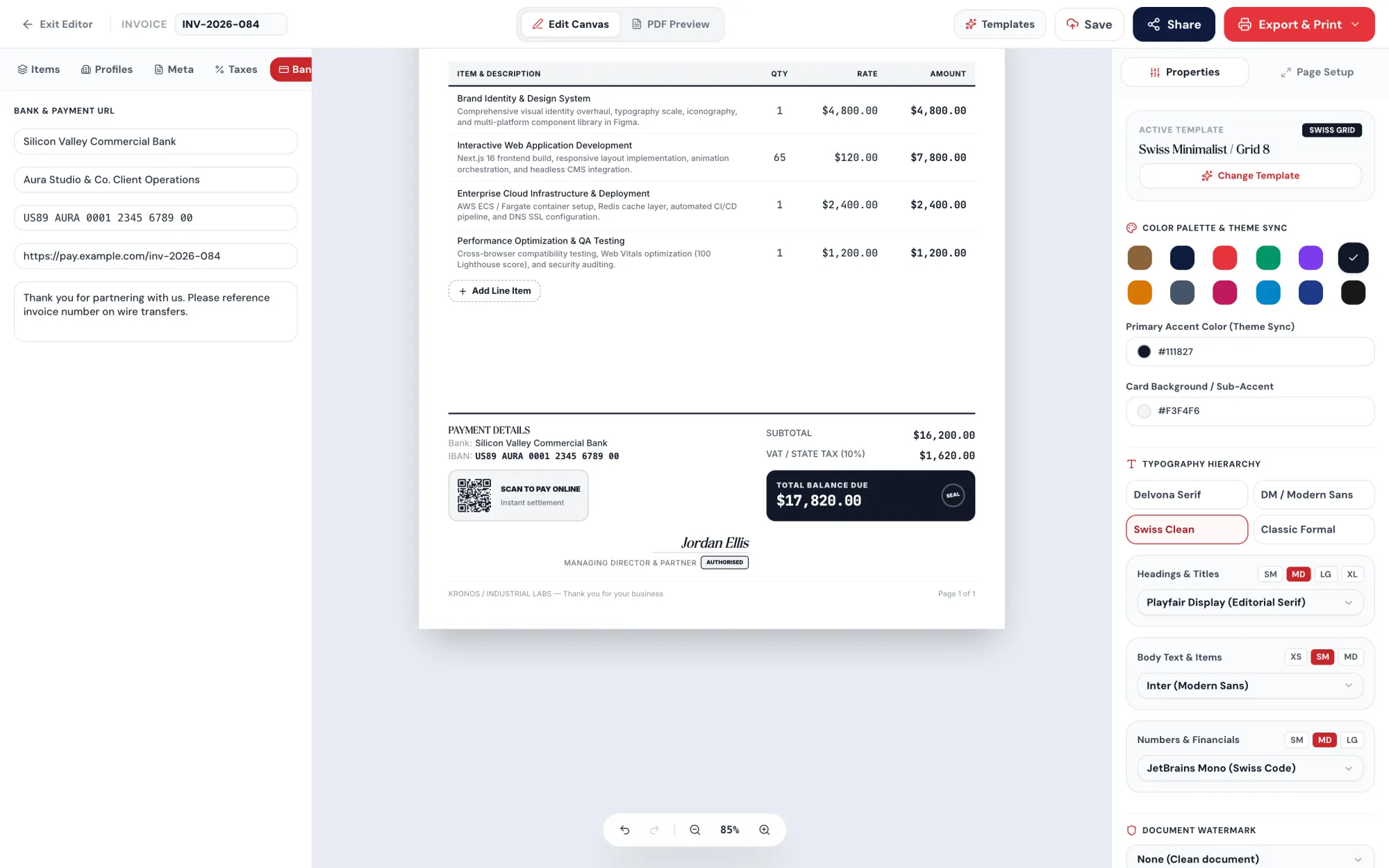
Pick a design, add items and tax in any currency, and send the invoice by email or link. You see when the client opens it. Pro adds recurring invoices and automatic reminders.
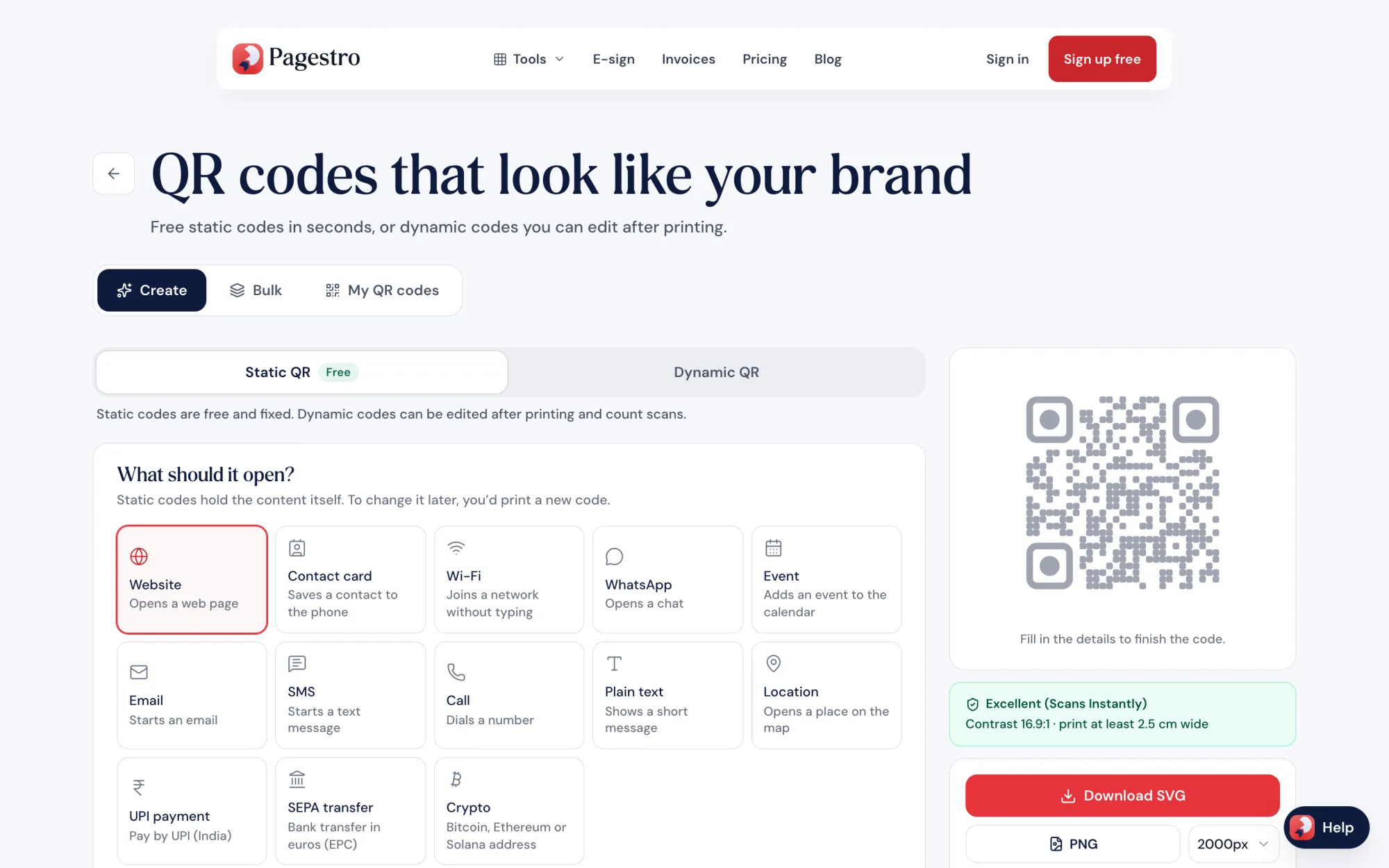
Static QR codes are free and unlimited. A dynamic code points to a link you can edit later, and counts scans by day, device and country without storing IP addresses.
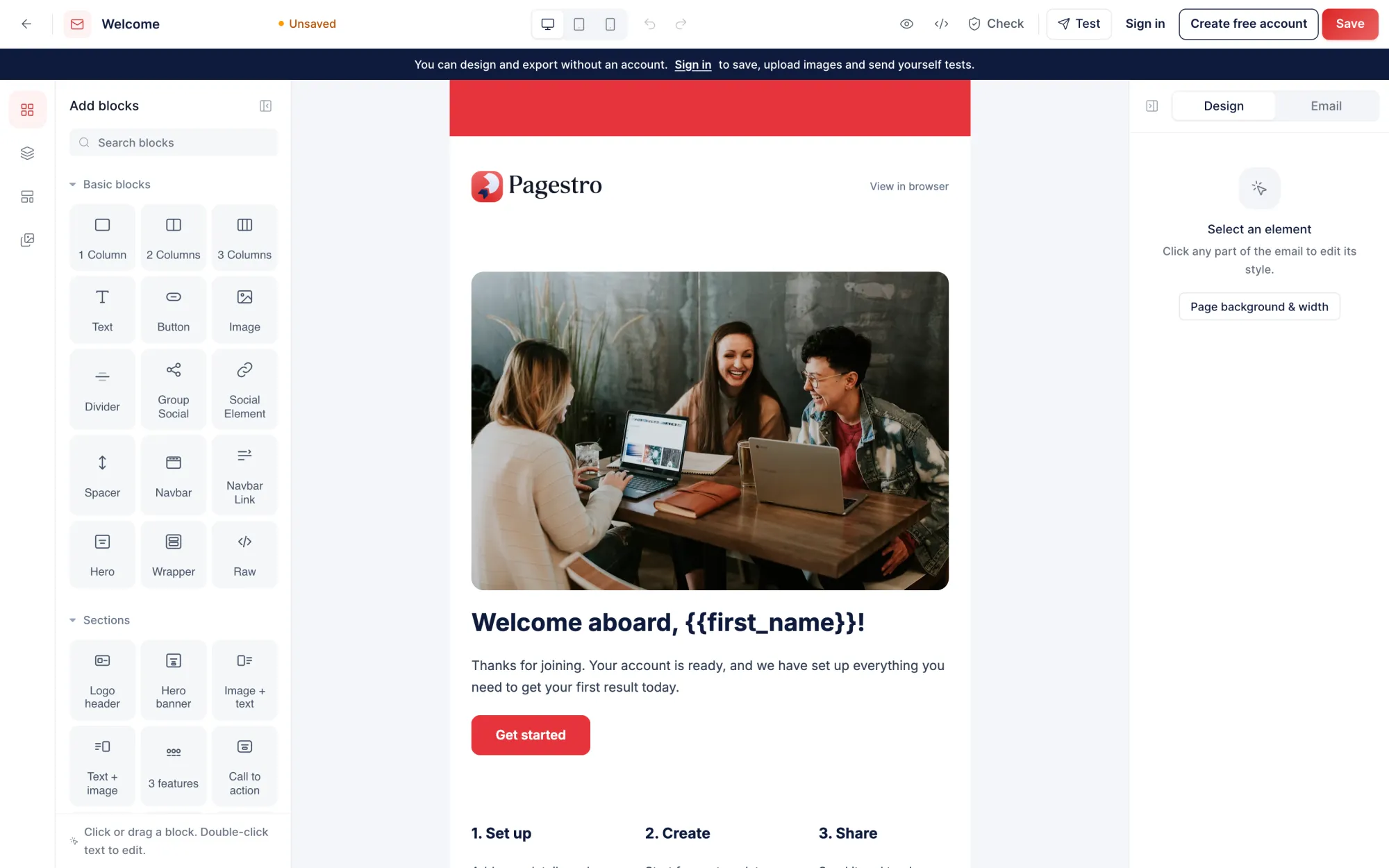
Drag and drop from 30 blocks, start from 9 templates, and import or export HTML and MJML.
Merge, split, compress, convert, OCR, redact and protect PDFs, and compress or convert images. Every PDF and image tool is free.
On Pro and Business, API keys and an MCP server let Claude, ChatGPT or your own scripts send contracts, email invoices and create QR codes, within what your key allows.
Search for it on the homepage or open the Tools menu.
PDF and image tools process it inside your browser tab.
Save the result, or send a contract for signature or an invoice by email or link.
Yes. The free plan has every PDF, image and conversion tool, OCR included, plus 3 signature requests and 5 invoices a month. It has no time limit and needs no credit card.
Not for the PDF, image and conversion tools. They process files inside your browser. Documents you save to your account, such as contracts and invoices, are kept until you delete them.
Simple electronic signatures under the US ESIGN Act and UETA and the EU eIDAS rules, with a tamper-evident audit trail and a completion certificate. Wills, family law papers, court documents and anything that needs a notary or witnesses usually still need ink.
No. There are no AI summaries, chat or drafting, and documents are never used to train models. OCR uses open-source PaddleOCR or Tesseract models that run in your browser.
Starter is $7.99 a month, Pro $18.99 and Business $48.99, each with a 7-day free trial. Yearly billing saves up to 21%.
Pagestro Free, paid $7.99 to $48.99/mo
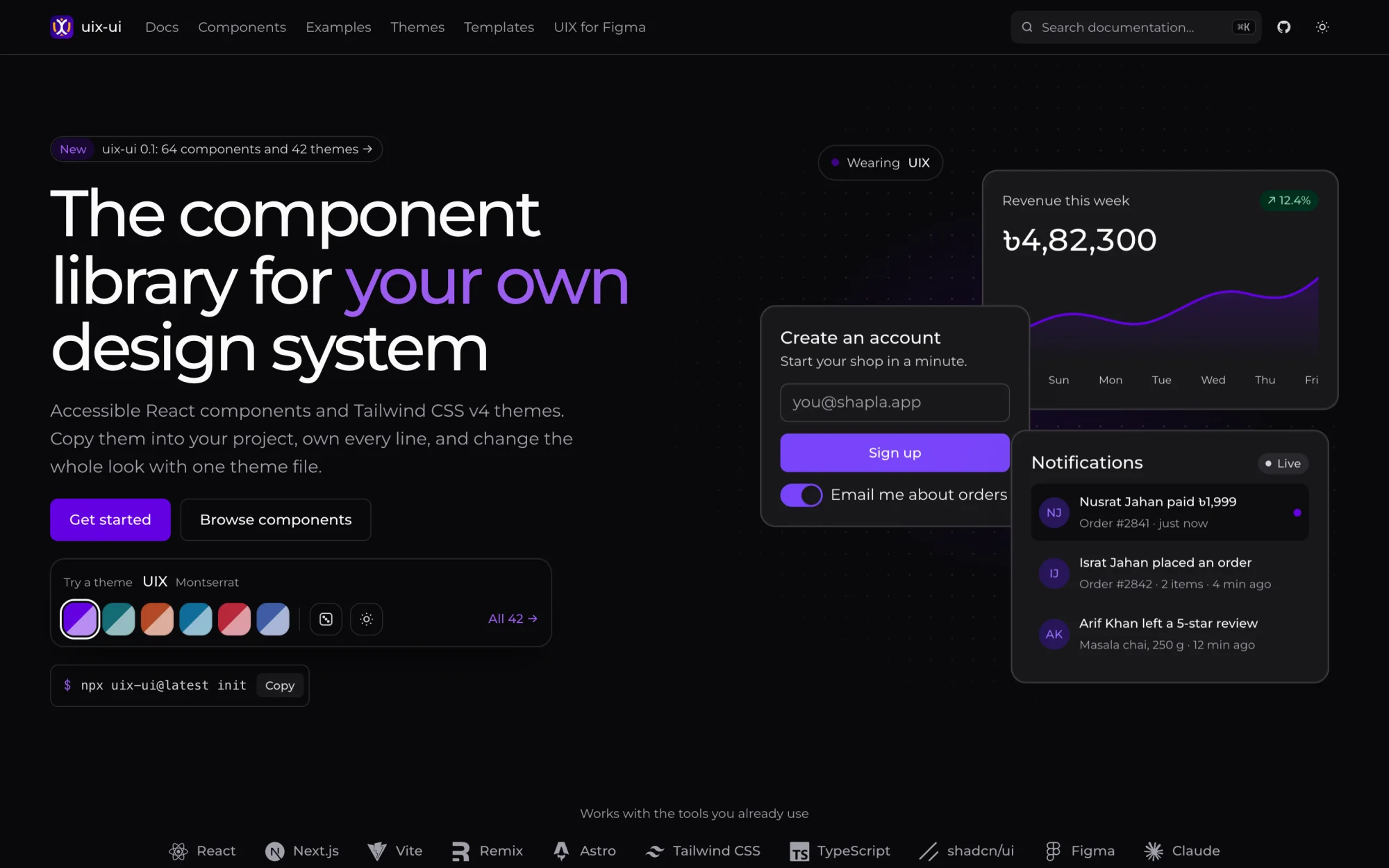
Start free64 open-source React components and 42 Tailwind CSS v4 themes that you copy into your project.
 Figma Plugin
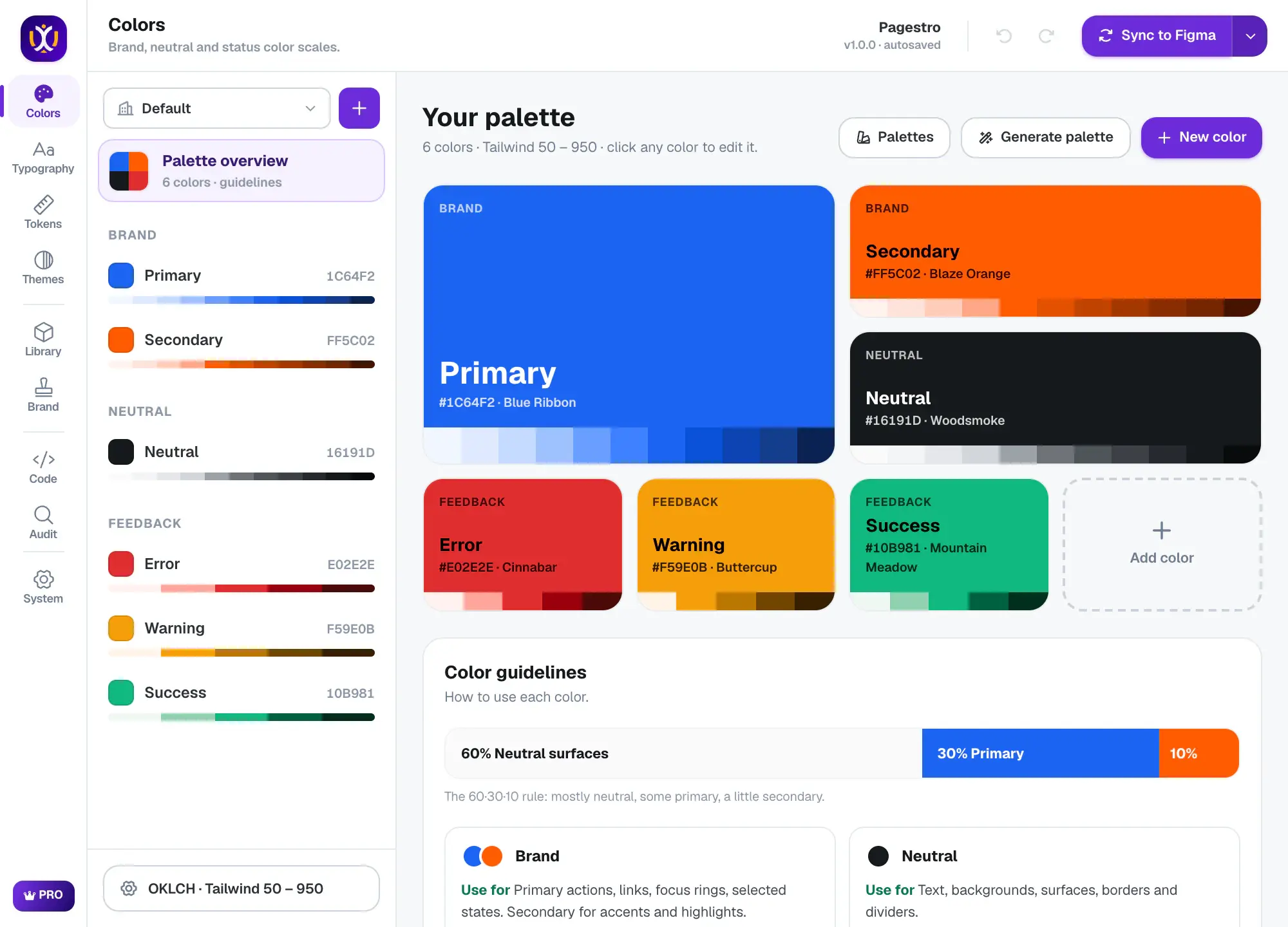
Turns one brand color into Figma variables, styles, 74 components and code.
 Figma Plugin
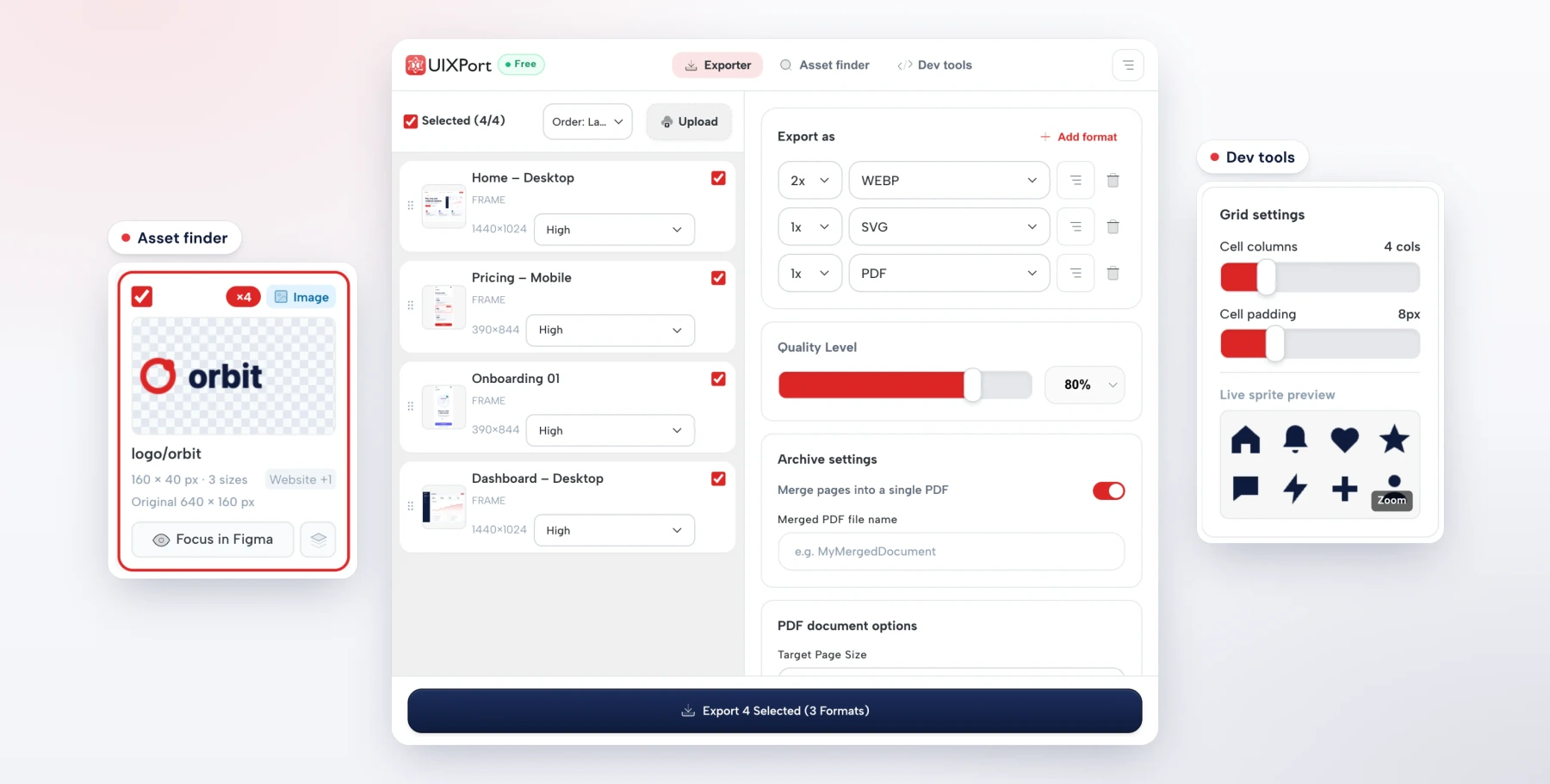
Exports PNG, JPG, WebP, AVIF, SVG and merged PDFs from Figma in one run.
 Icon Library
13,491 original icons in 15 styles on one 24 px grid. Three styles are free under MIT.